verfit watch 01 Find Hub
Software Feature Introduction
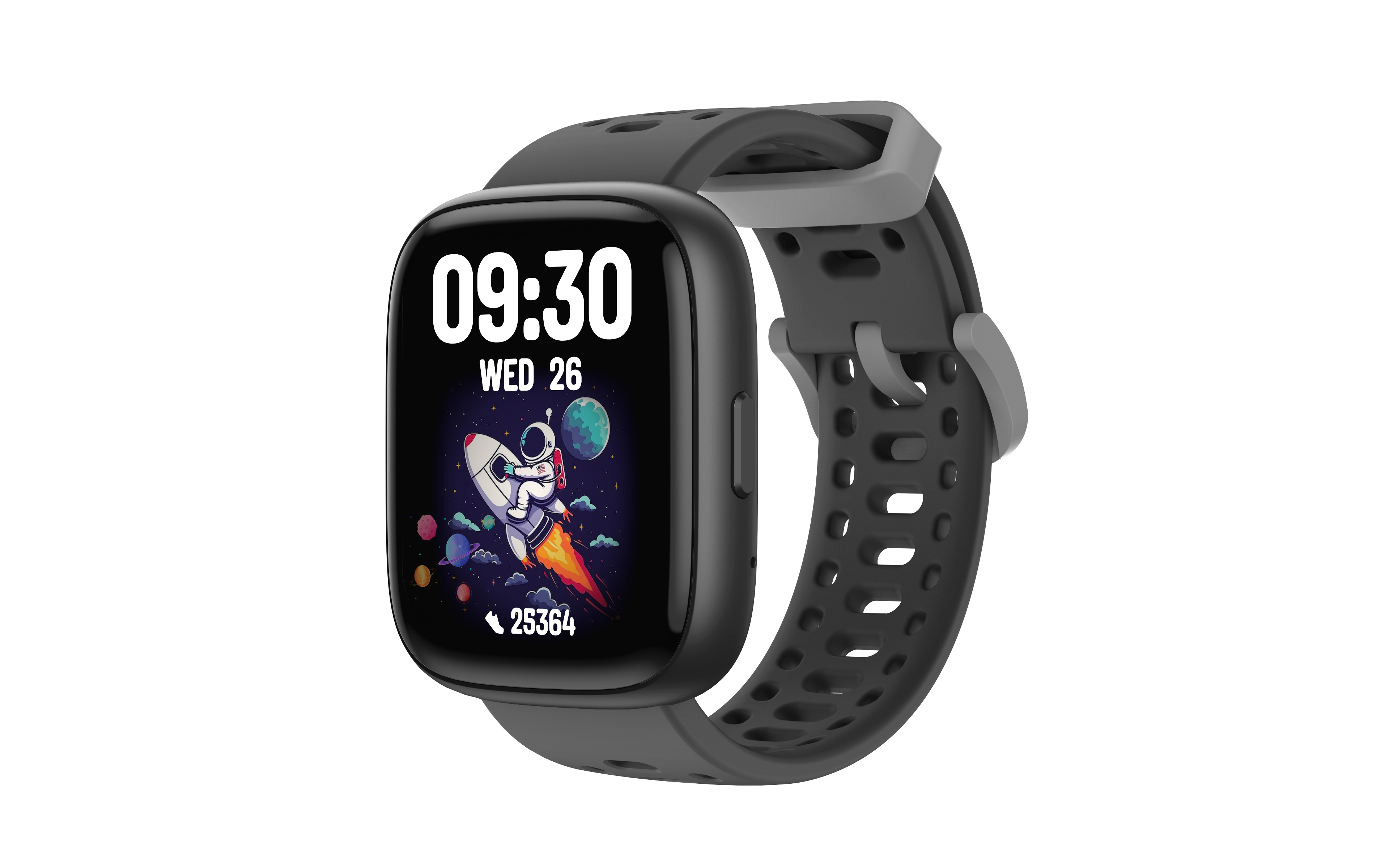

How to disable the verfit watch 01?
You can disable the verfit watch 01 to stop its location sharing function. After disabling, it will no longer report location information to Google's Find Center network, and the device owner will no longer receive updates on its current location.
If you receive a text message notification that a verfit watch 01 has been detected nearby, and you are unfamiliar with the device, you can tap the received system notification to make the verfit watch 01 ring. After finding the device, please follow the steps below to disable it. After disabling, the device owner will no longer receive location updates from the verfit watch 01, and the device will no longer trigger unknown tracker alerts.
1. Locate the button on the side of the verfit watch 01
2.Quickly press the button twice; the device will play a ringtone once.
How to re-enable the verfit watch 01:
1. Locate the button on the side of the verfit watch 01
2. Quickly press the button twice; the device will play a ringtone once.